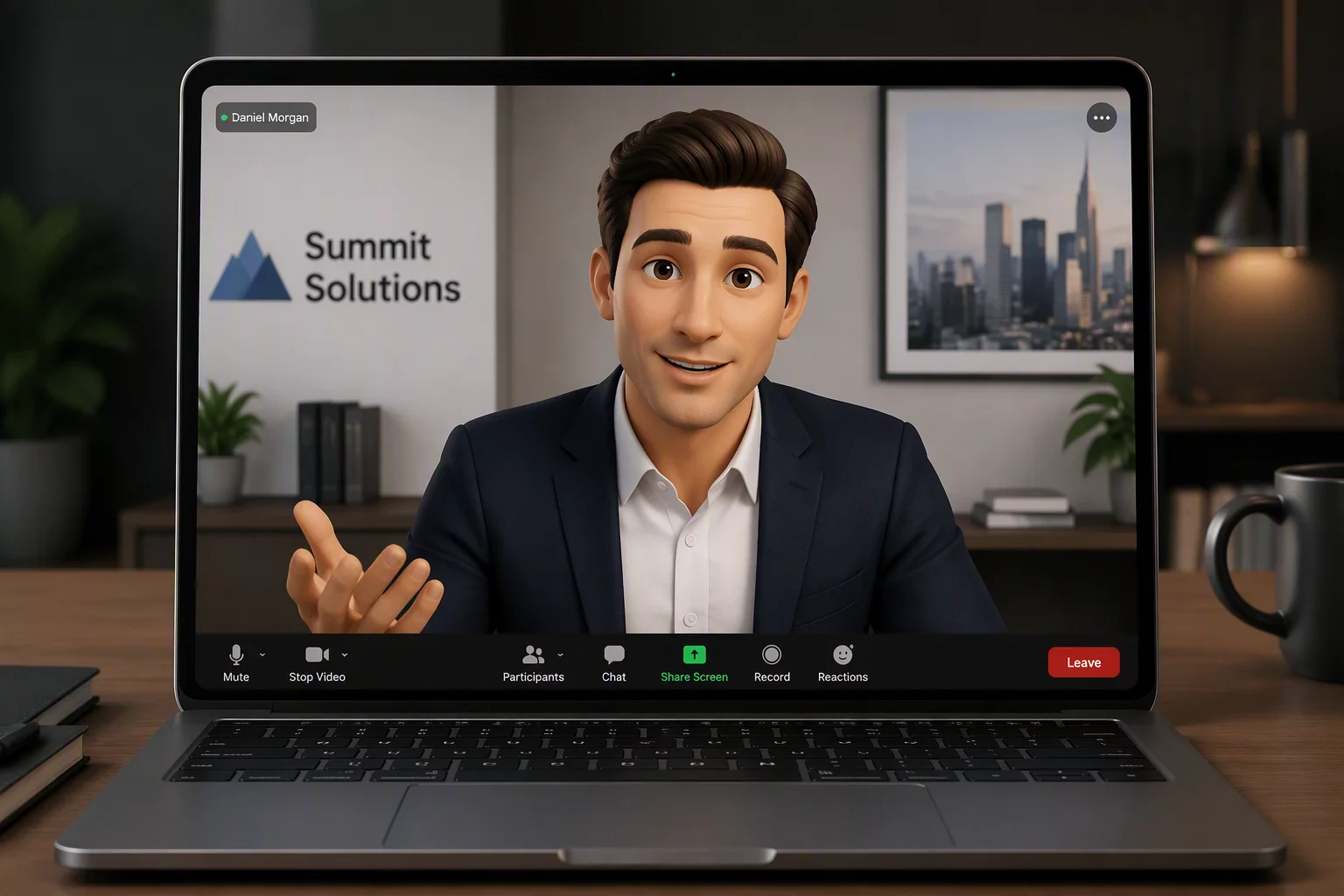
Neural Avatar Synthesis and Direct Virtual Stream Ingestion
The Zoom Workplace AI Avatars launch introduces a sophisticated machine learning framework capable of projecting realistic 3D and synthetic visual personas directly onto enterprise video conferences. Powered by real-time neural surface reconstruction and optical flow landmark detection, these digital avatars mirror micro-expressions, head orientation, and eye contact without requiring bulky studio motion-capture suits. Connecting high-resolution smartphone lenses through our virtual camera engine provides the precise optical input required to feed these neural models clean, uncompressed facial tracking data.
Hardware & Protocol Specifications
Architectural Routing and GPU Compute Acceleration
High-fidelity persona synthesis requires deterministic GPU scheduling and low frame variance. Video streams delivered through our virtual driver bypass standard desktop compositing layers by transferring sensor buffers straight into CUDA and DirectML memory spaces. This zero-copy memory transport prevents frame bottlenecks and frees CPU cycles for Zoom Workplace background intelligence services. The architecture maintains sub-frame synchronization between spoken audio packets and synthesized lip phonemes even under heavy corporate network loads.
Virtual Ingest Pipeline Setup
Establish uncompressed direct video transmission between your mobile sensor and the Zoom neural avatar runtime in three straightforward phases.
- Open Canno-Studio CS on your PC and establish a wired USB 3.2 or low-jitter 5GHz Wi-Fi bridge with your mobile phone.
- In Zoom Workplace Settings, navigate to Video Preferences and select Canno-Studio Virtual Camera as the primary camera source.
- Open Meeting Controls, click Avatars & AI Personas, and enable Hardware Neural Rendering Acceleration to finalize setup.
Enterprise Governance and Identity Security Controls
Deploying synthetic digital avatars in commercial environments demands rigorous security mechanisms. The Zoom Workplace ecosystem integrates cryptographic watermarking alongside metadata origin signatures to confirm that rendered avatars correspond strictly to authenticated meeting participants. Enterprise administrators can enforce centralized avatar profiles, mandate synthetic content disclosure labels across external conferences, and prevent unauthorized third-party video injections while retaining maximum visual clarity.
Community Notes & Verification
Verified FeedbackBrian Gallagher
AV Systems SpecialistAvatars look very realistic. Tested the DirectShow pipeline on our dual-node workstation setup and latency remained under 14ms during a 2-hour executive session.
Share Verification Observation