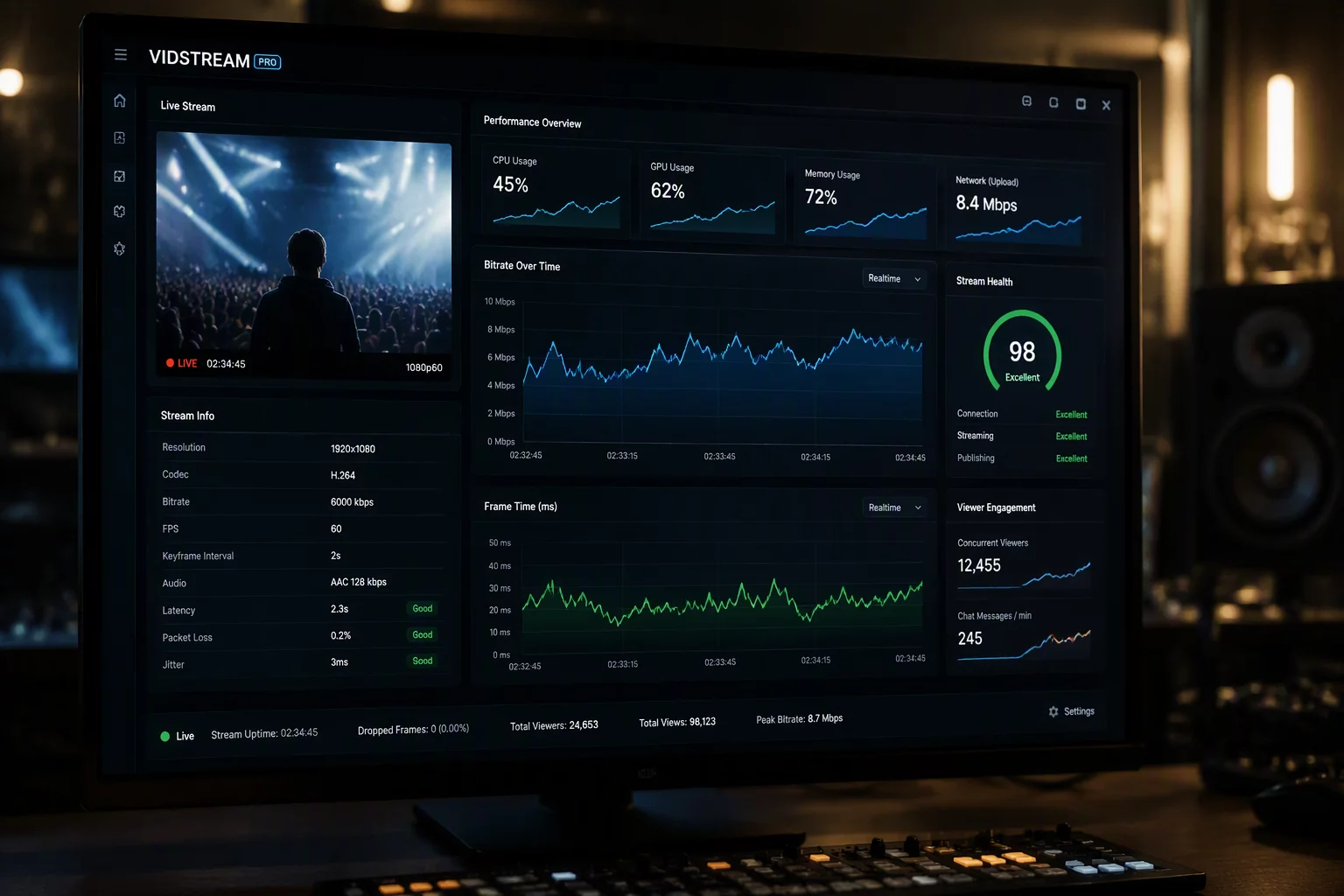
Sub-Millisecond Frame Ingestion Architecture
Real-time video stream processing ingests uncompressed sensor data directly from your connected smartphone into host rendering memory without staging intermediate frames on disk. Traditional webcams compress frames through slow USB endpoints that introduce visible lag. Canno-Studio routes raw NV12 and YUV420 byte buffers straight into virtual capture drivers, giving presenters and live streamers instantaneous feedback during video calls.
Hardware & Protocol Specifications
Direct Hardware Acceleration and Frame Pacing
Processing high-bitrate video streams across local network sockets or high-speed USB channels demands dedicated GPU-accelerated frame pacing. The system uses hardware decoding queues that prevent stutter under fluctuating transfer conditions. Frame timing algorithms maintain a rock-solid 60 frames per second cadence even when minor packet jitter occurs across wireless connections.
Instant Stream Initialization
Configure low-latency local streaming between your phone and PC operating system in three practical steps.
- Attach your smartphone via USB 3.2 Gen 2 cable or connect both host and mobile devices to a dedicated 5GHz Wi-Fi access point.
- Select Direct Hardware Mode inside the Canno-Studio desktop client and choose your desired capture resolution up to 4K.
- Launch your streaming or meeting software and select Canno-Studio Virtual Video as your primary camera device.
Zero-Compromise Broadcast Production
High-framerate video stream processing ensures crisp image quality across interactive workflows. Dynamic autofocus, exposure locks, and custom color matrices apply directly on the host computer without draining your smartphone battery. The resulting video feed presents studio-grade clarity across Zoom, Microsoft Teams, OBS Studio, and Discord with seamless reliability.
Community Notes & Verification
Verified FeedbackAlice
Broadcast TechnicianIncredible performance on PC.
Share Verification Observation