Experience real-time 4K video streaming from your smartphone straight to desktop broadcasting software, video conferences, and live production workflows with zero perceptible lag.
Explore our core processing units transforming your mobile sensor into a professional-grade desktop virtual camera feed.
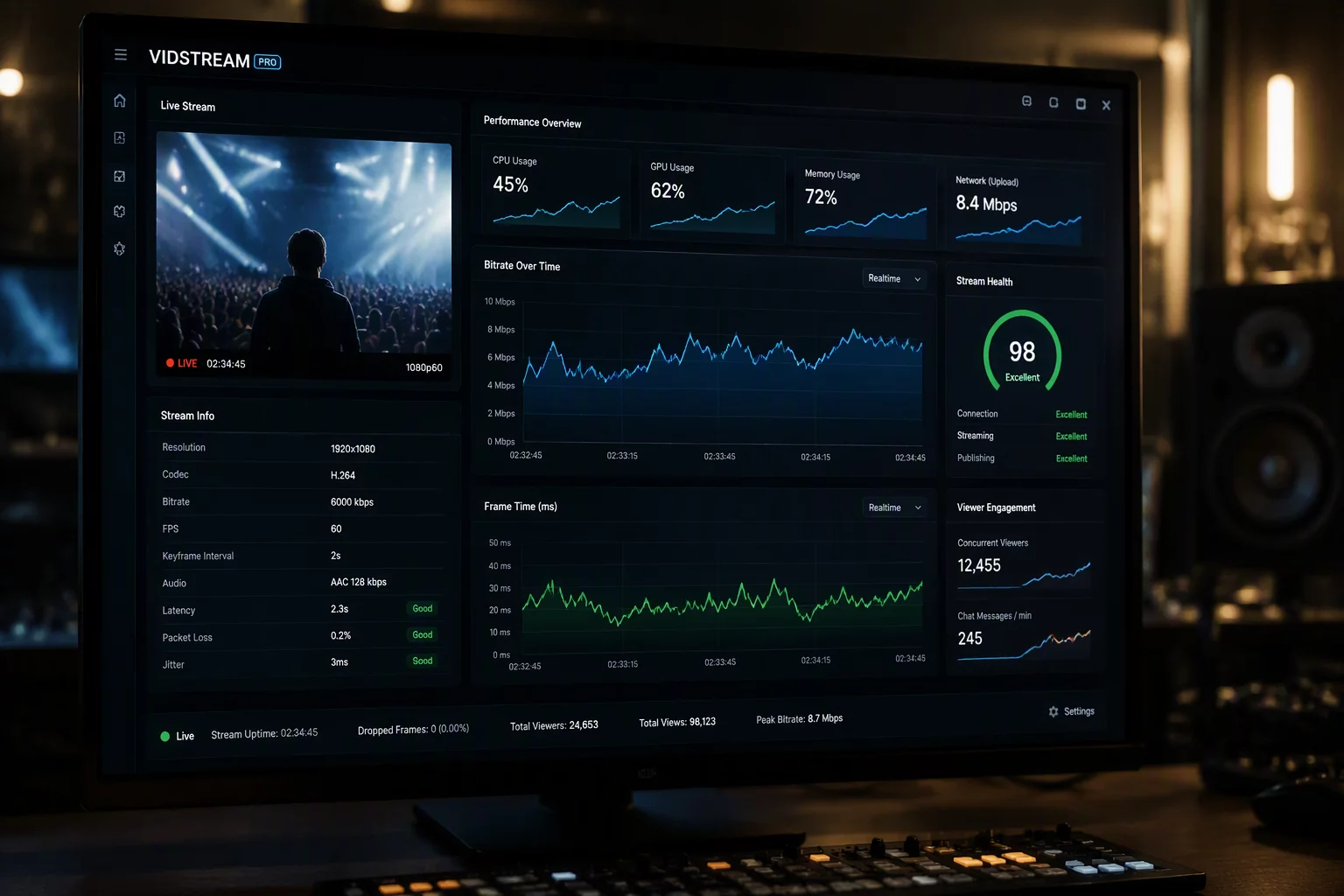
Zero-latency frame buffering and hardware-accelerated pipeline routing deliver instantaneous camera sync to your PC video suite.
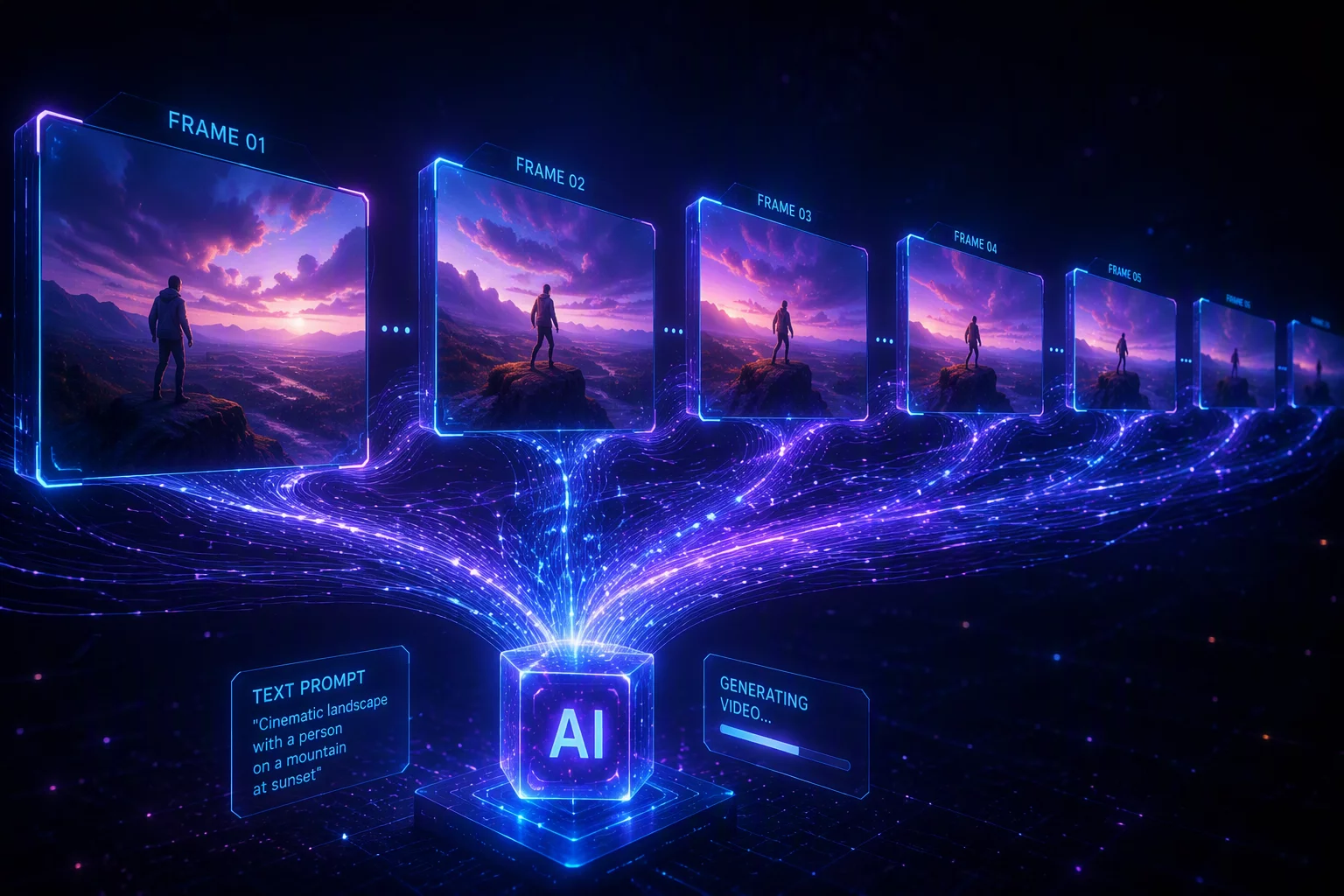
Smart predictive algorithms synthesize intermediary frames to maintain smooth 60 FPS output even over fluctuating wireless signals.
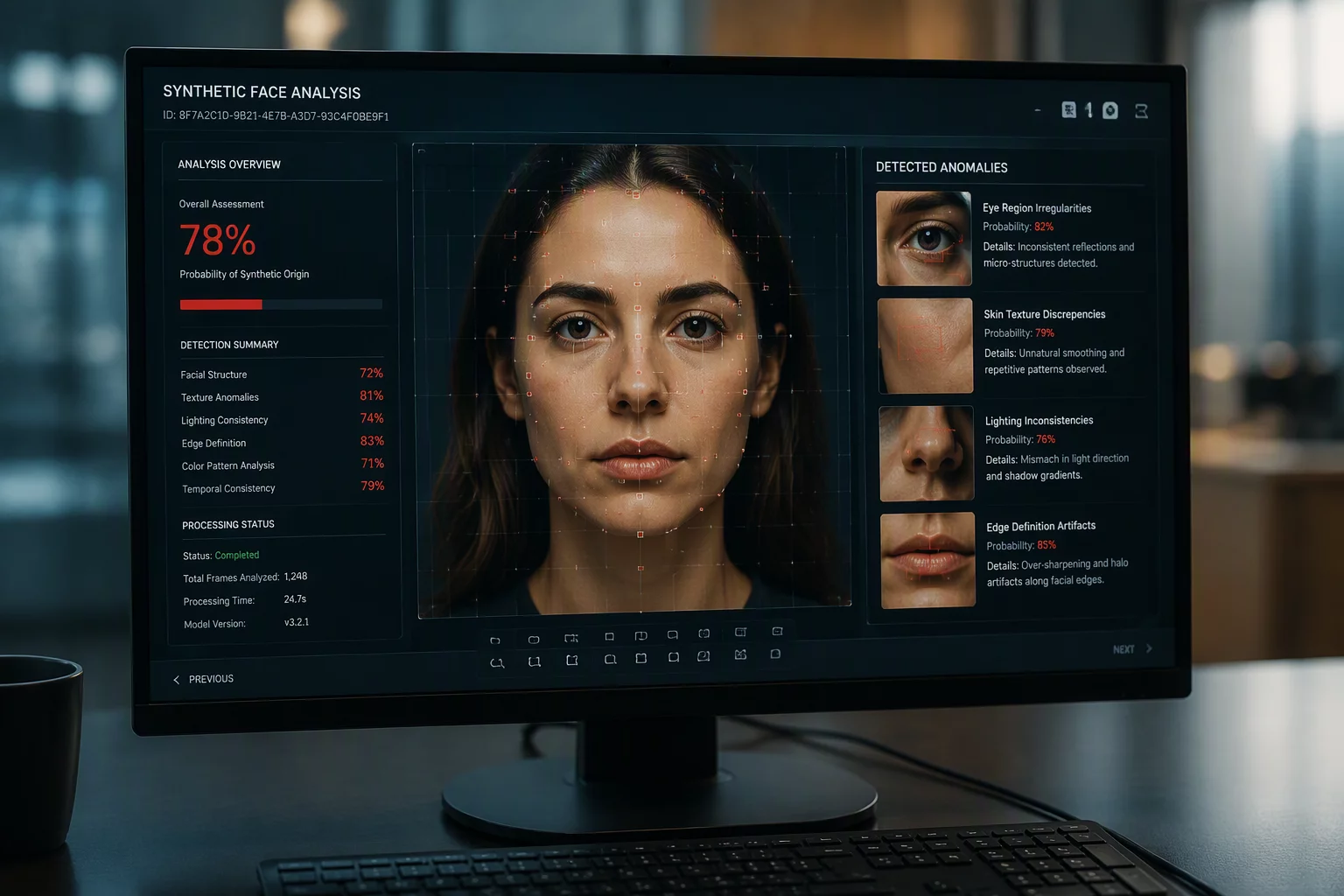
Continuous cryptographic verification ensures source stream authenticity and protects broadcast pipelines from digital tampering.
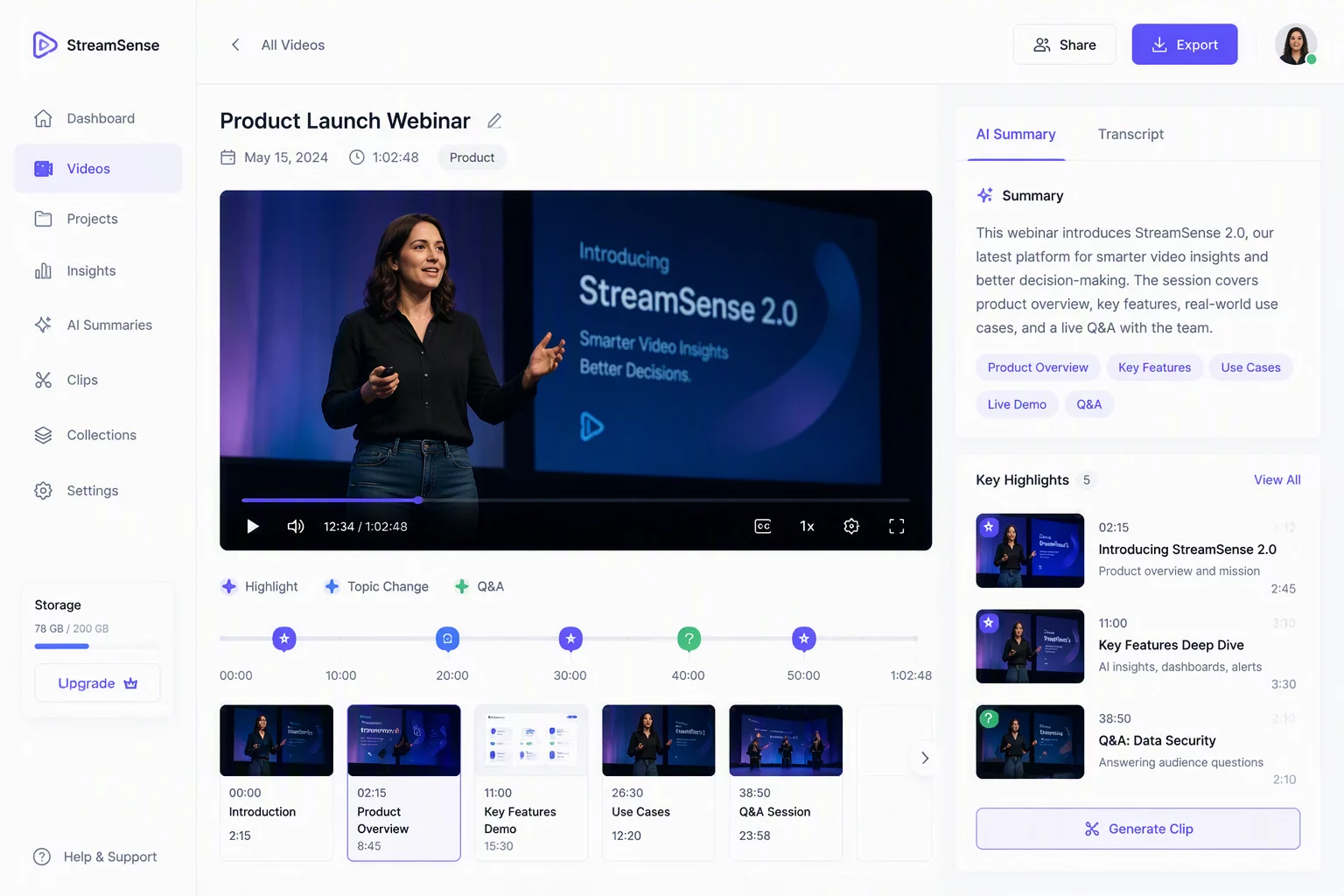
Intelligent broadcast logging indexes your meetings and streams, extracting essential moments without impacting live rendering speed.
Choose your streaming resolution, synchronized devices, and AI processing requirements to calculate your real-time software deployment plan.
Immediate direct connection with an integration engineer. No registration required.
Choose one or multiple technical hurdles below. Our engine instantly displays tailored latency optimizations, software compatibility solutions, and direct case guides without refreshing the page.
Bypasses generic USB encoding bottlenecks to ensure ultra-low delay synchronization between your mobile camera sensor and desktop receiver pipeline.
Eliminates micro-stuttering and pixel artifacts on uncompressed 4K phone feeds by interpolating native optical frames directly on your GPU.
Complete walkthrough to configure DirectShow loopback drivers, fix black screen outputs, and map multiple phone angles into studio scenes.
Resolves virtual driver permission blocks inside enterprise conference rooms, enabling crisp mobile optical zoom during mission-critical calls.
Dynamically scales bitrate and screen brightness based on handset thermals to prevent sudden camera shutdowns during uninterrupted 6-hour streams.
Standardized virtual capture source mapping configured specifically to bypass corporate sandbox restrictions and preserve audio-video lip sync.
Misconfiguring your virtual camera bridge results in stream lag, video stuttering, and severe battery wear. Discover the 4 most frequent setup errors and their verified technical remedies.
Immediate Impact & Cost:
Packet congestion triggers 300ms–800ms desync between your vocal audio and camera feed during high-stakes presentations.
Canno-Studio CS Solution: Use direct high-speed USB protocol routing or automatic 5GHz adaptive bitrate negotiation with zero-jitter buffering.
Immediate Impact & Cost:
CPU spikes past 85%, triggering device thermal throttling, battery degradation, and sudden frame drops down to 12 FPS.
Canno-Studio CS Solution: Direct offloading to discrete NVENC/QuickSync PC hardware encoders, cutting host CPU utilization below 4%.
Immediate Impact & Cost:
Zoom or Microsoft Teams forces a 480p fallback profile, producing a pixelated feed despite a 4K phone lens sensor.
Canno-Studio CS Solution: Native DirectShow & Media Foundation virtual device emulation ensuring crisp 1080p60/4K pipeline negotiation.
Immediate Impact & Cost:
Distracting auto-focus hunting and washed-out highlights make your studio setup appear amateurish to clients.
Canno-Studio CS Solution: Granular PC-side controls for manual ISO, locked focal distance, shutter interval, and white balance curves.
Meet the dedicated systems engineers and computer vision experts responsible for turning your mobile hardware into a studio-grade virtual camera.

8+ years developing low-overhead WebRTC pipelines and high-throughput NDI transmission kernels for desktop video environments.

6+ years authoring DirectShow and CoreMedia virtual hardware drivers with native OS kernel security integration.

7+ years building neural frame generation and hardware-accelerated color grading algorithms for continuous video feeds.
Canno-Studio CS bridges hardware encoders on modern smartphones directly to virtual video capture drivers across desktop environments with zero overhead.
Full-featured MSI package compatible with Windows 10 and 11 (x64 / ARM64). Installs kernel-level virtual video capture pipelines recognized instantly across all enterprise conferencing tools.
Standalone AppImage and native Debian packages. Seamlessly interfaces with the Video4Linux2 kernel subsystem to pipe hardware-accelerated video directly into native desktop applications.
Modern Camera Extension Architecture designed for Apple Silicon (M1/M2/M3/M4) and Intel. Sandboxed, notarized, and optimized for low CPU utilization in studio broadcast setups.
Captures uncompressed sensor output with manual focus, ISO control, and hardware H.265/AV1 NDK encoding. Supports both USB 3.2 Gen 2 direct tethering and Wi-Fi 6 wireless streams.
Harnesses the neural image signal processor on modern iPhones. Zero-lag color grading, HDR 10-bit color profile transfer, and ultra-fast Metal-based frame rendering for PC streaming.
Sub-frame latency transport layer with automated packet recovery and adaptive bitrate controls. Guaranteed sync between phone audio capture and high-fps video feed.